Early on Saturday the 19th my PC was crawling, my coding agents most of all. I asked an agent to find out why.
I was fairly sure it was the disk. Linux keeps a running figure for how often work is stalled waiting on I/O, and it was sitting around 40%. Meanwhile about 15 GB of RAM was free and the GPU was idle.
The biggest writer was a benchmark from one of my own projects, started by one of my coding agents, pushing about 22 MB a second into a scratch directory. When I asked whether it was still the same process, it wasn't. That one was gone, and two new detached benchmarks had taken its place, writing around 10 MB/s each and holding 5.5 GB of memory between them. Around those were test runs, a couple of usage scanners chewing through logs, and the workers behind Vesper's memory.
None of that was unreasonable on its own. It was all happening at once on a 500 GB SATA SSD, and the SSD was the queue everyone stood in.
The obvious fix
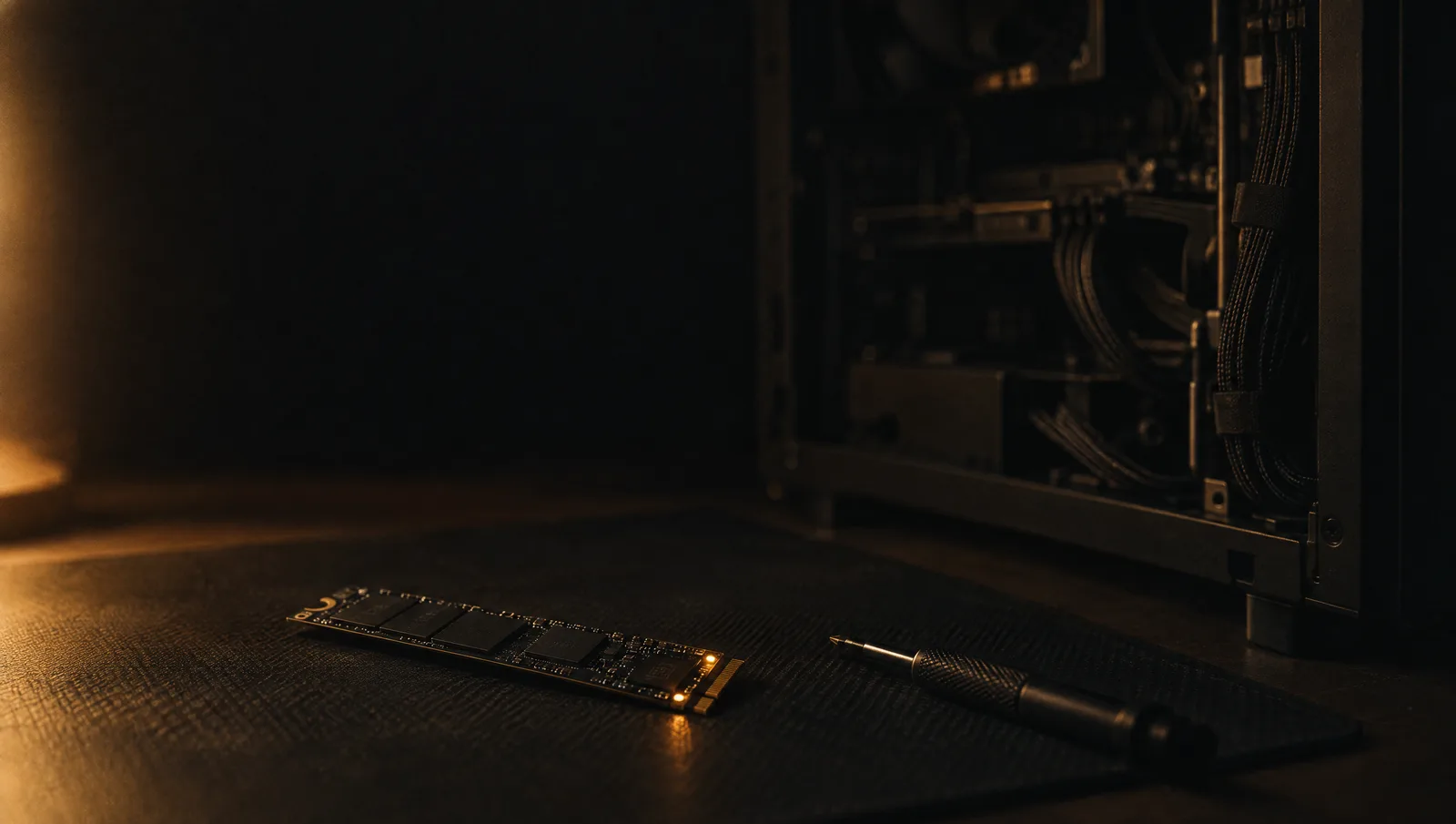
My board has one M.2 slot that runs NVMe at PCIe Gen3 x4. The other one only does SATA. A Gen4 drive would have been money spent on speed the board can't use, so I ordered a 1 TB Kingston KC3000.
The agent estimated four to six times faster for sequential reads and writes, two to four times for random and SQLite-style I/O, and somewhere between 1.5 and 3 times for the contention-heavy builds and tests that had actually been hurting. I liked that it gave me the smaller number for the thing I cared about.
Then there was the migration. In my ideal version I'd put the new drive in, boot from the old one, tell an agent to migrate, power off, pull the old drive and carry on like nothing happened.
The system disk is encrypted, with Btrfs subvolumes and a bootloader I'd rather not debug at midnight. The usual advice is to boot from a rescue USB and clone the disk while nothing is running. I didn't have a rescue USB, and I didn't fancy learning a rescue shell for a one-off job. So I asked whether we could use the snapshot system instead, and had the agent write the plan into my Eden inbox so a fresh session could pick it up when the drive arrived.
That session copied the running system using snapshots, then did a final sync after I'd closed everything down. The scripts were staged and reviewed before they ran. Every write checked the disks by model and serial number first, including a rule that it must never touch the 2 TB data drive in the same machine. When it needed root, I got a local password dialog. When the new disk needed an encryption passphrase, I typed it into a local prompt and it never went through the chat.
Ten subvolumes came across, old snapshots included. A scrub of 241.53 GiB found zero errors. The machine shut itself down, I disconnected the old SSD, and on Tuesday it booted from the new one. The first-boot checks included Vesper's harness and her memory database, and both came back healthy. I've kept the old drive as it was, so there is a way back.
Apart from a passphrase and a cable, that was the version I'd asked for.
Then I tried to tidy up
A bigger disk seemed like a good moment for a cleaner one, so I asked for the SSD to get down to 100 GB used.
It didn't get there. Twenty-eight idle worktrees went, with their branches kept. It moved 1,239 old agent session files, about 3.8 GB, to the spinning disk behind a symlink, along with backups of Vesper's harness and her memory database. Caches were pruned. Then it started moving the copies of my research data to the HDD, and I told it to leave them. It put back the one folder it had already moved and compared it against the copy before calling that done.
The disk started that cleanup at about 321 GB used and finished at about 322. More than 25 GB had been moved or deleted, but a research job was writing the whole time. On Btrfs, what du says you deleted and what the filesystem gives back are two different numbers, and they drift further apart when something else is writing. The agent reported them separately instead of adding up deletions and calling it reclaimed space.
Roughly 138 GB of what's left is research data I want on the fast disk. That seems a good enough reason to miss a number I made up.
Saturday night
Just after midnight last night I asked again: what's choking my PC right now?
Same kind of agent, different answer. This time the CPU was saturated first, with a load of around 25 on twelve threads. Two test suites were running with six and four workers across two worktrees. A data build was using 4 GB of RAM. Coding agents had started an incremental copy job and a labelling benchmark. Chromium briefly added nearly another full core. As the CPU work eased off, disk wait climbed to 21 to 25%.
Memory wasn't the constraint, with about 11 GB still available. The disk that was 32% full after the cleanup was now at 59%. The new disk is faster, and it took the agents four days to find its limit.
That isn't really the disk's fault. Each session decides for itself how many test workers to start, and none of them knows what the others are doing. The old disk was a small SATA drive I was running out of anyway, so I don't regret the upgrade. It bought headroom, and my setup treated the headroom as room for more jobs.
The agent's advice was to run fewer of those tests and copy jobs at the same time. Its report ended with "I haven't stopped or changed anything." That was the right call. Which of those jobs goes first is still my decision.